


| CPU | Dual PowerPC G4 1.25 GHz |
| RAM | 384MB |
| Video | NVIDIA GeForce4 Ti 4600 128MB AGP |
| Network | Wired Ethernet |
| Hard Disk | 160GB Spinning Rust |
| Optical | ZuluIDE w/ Wireless Interface |
This information pertains to a particular specimen and may reflect upgrades, repairs, modifications, or factory options not present by default.
This specific PowerMac G4 Mirror Drive Doors uses a spinning rust hard drive because it has stubbornly refused to work with the CF cards and other replacements attempted so far. One thing we have *not* attempted is a SATA controller with a modern SSD, so that may be worth a shot!
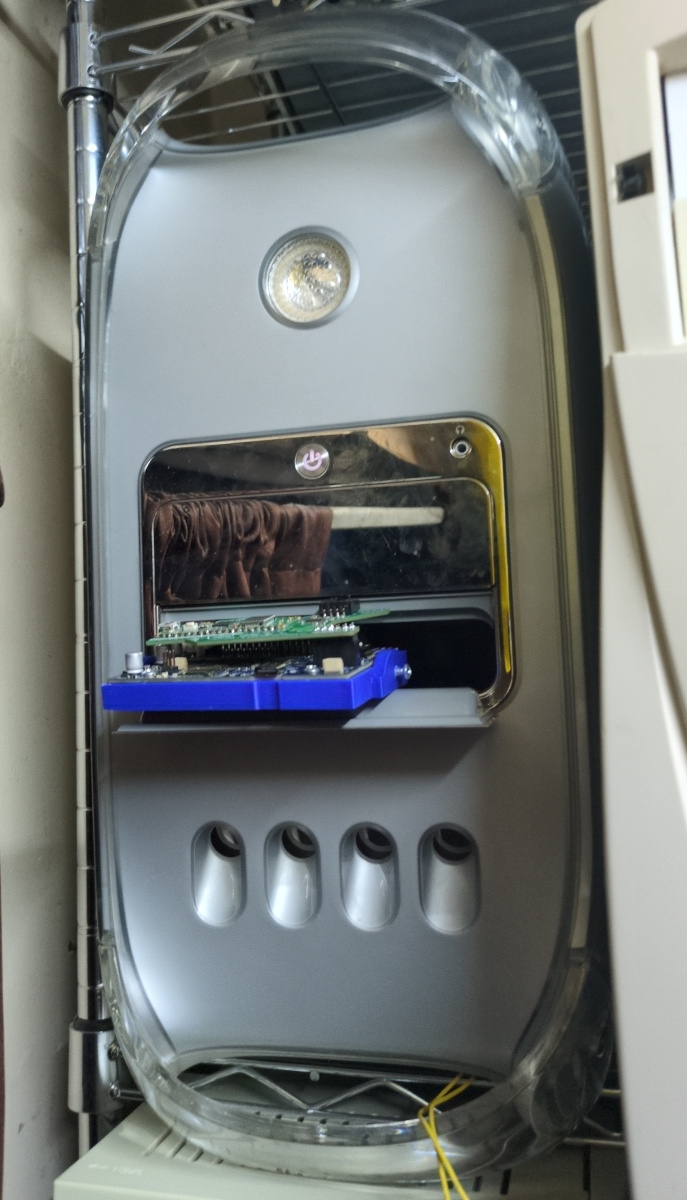
Being one of our "permanent" retro fixtures, this machine is awkwardly placed up high using pullies and ladders. This makes physically reaching it to power it on impractical, leading to a need for a remote power button in the form of our relay bank.
Wires from the relay bank are connected directly to the power board. At first we attempted a continuity test on the cable from the power board, but the board seems to do some kind of encoding which renders this useless. This board was surprisingly difficult to find replacement instructions for online, so we have provided some notes here:
Accessing the front screw holding the power board box in requires removing the front panel, which requires the removal of at least one of the front legs with an allen key.
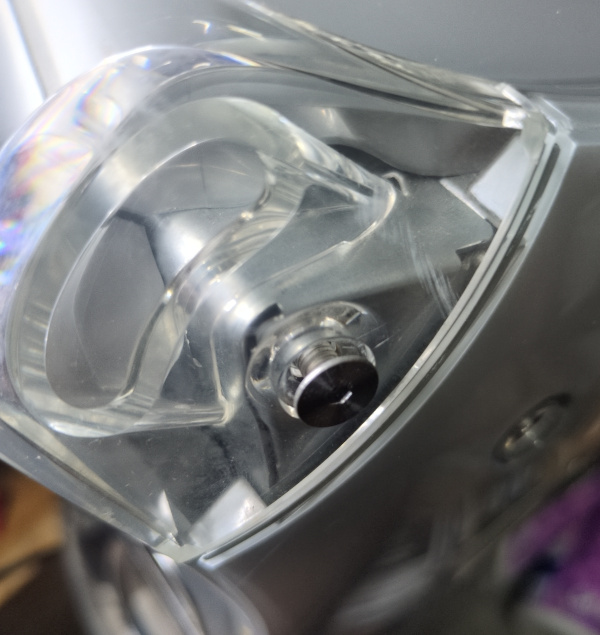
With the screw holding the power board box in removed, two plastic rivets must also be popped out, ideally with an eyeglass-size regular (flat) screwdriver or similar.
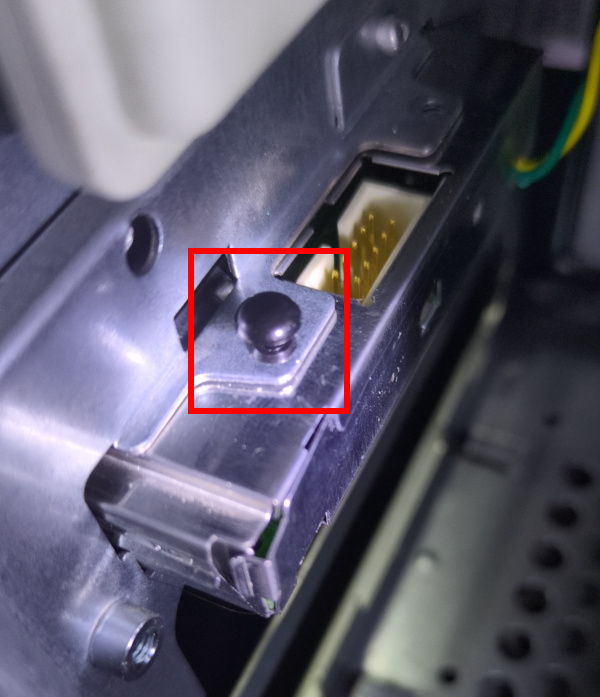
The socket shown below must also be popped out!
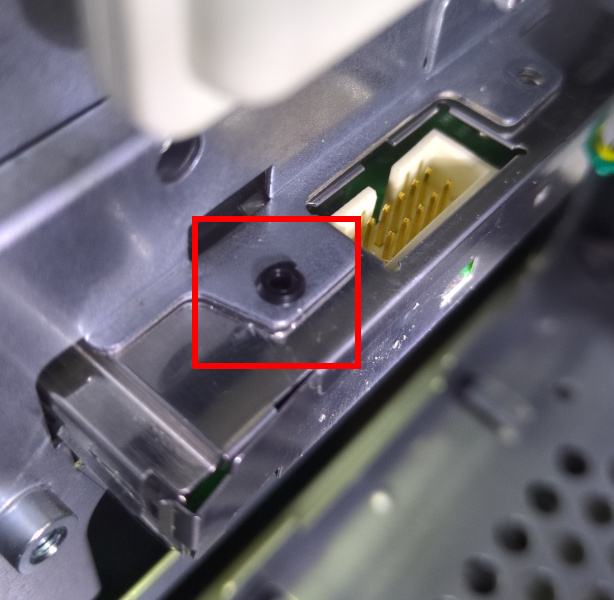
Initially, we routed the wires out of the rear of the power board box. This was a mistake, as the sharp edges of the box quickly broke through the insulation and bridged them, leading the computer to act as if the power button was always being pressed.
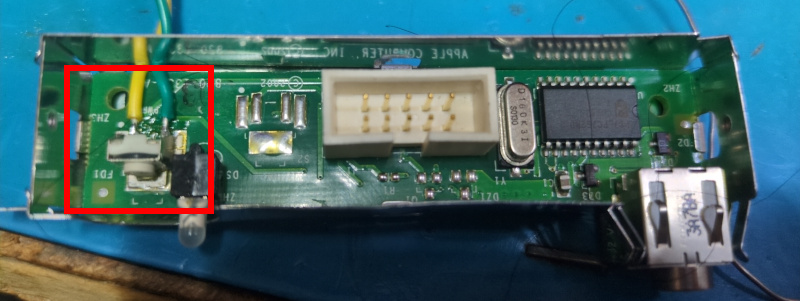
We rerouted the wires out of one of the tab holes in the side of the box, after applying a dab of hot glue on the inside to provide strain relief.
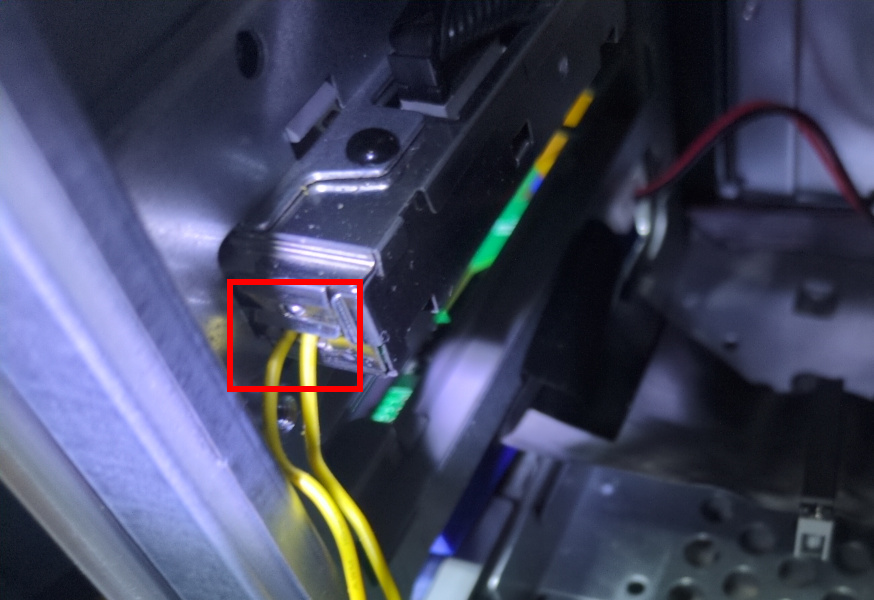
With these considerations, we were able to attach the wires to the relay bank controlled by esphome.