| CPU | 486 DX2 40MHz |
| RAM | 4MB + 4MB Expansion Card |
| Video | |
| Hard Disk | 1GB Compact Flash |
| Ports | 1x PS/2, 1x RS-232/DE-9, VGA/DE-15, Parallel/Proprietary, External Floppy/Proprietary, 72-pin Port Replicator Expansion |
This information pertains to a particular specimen and may reflect upgrades, repairs, modifications, or factory options not present by default.
The BIOS does not seem to recognize disks over 1GB, but even this is rather generous for the time period.
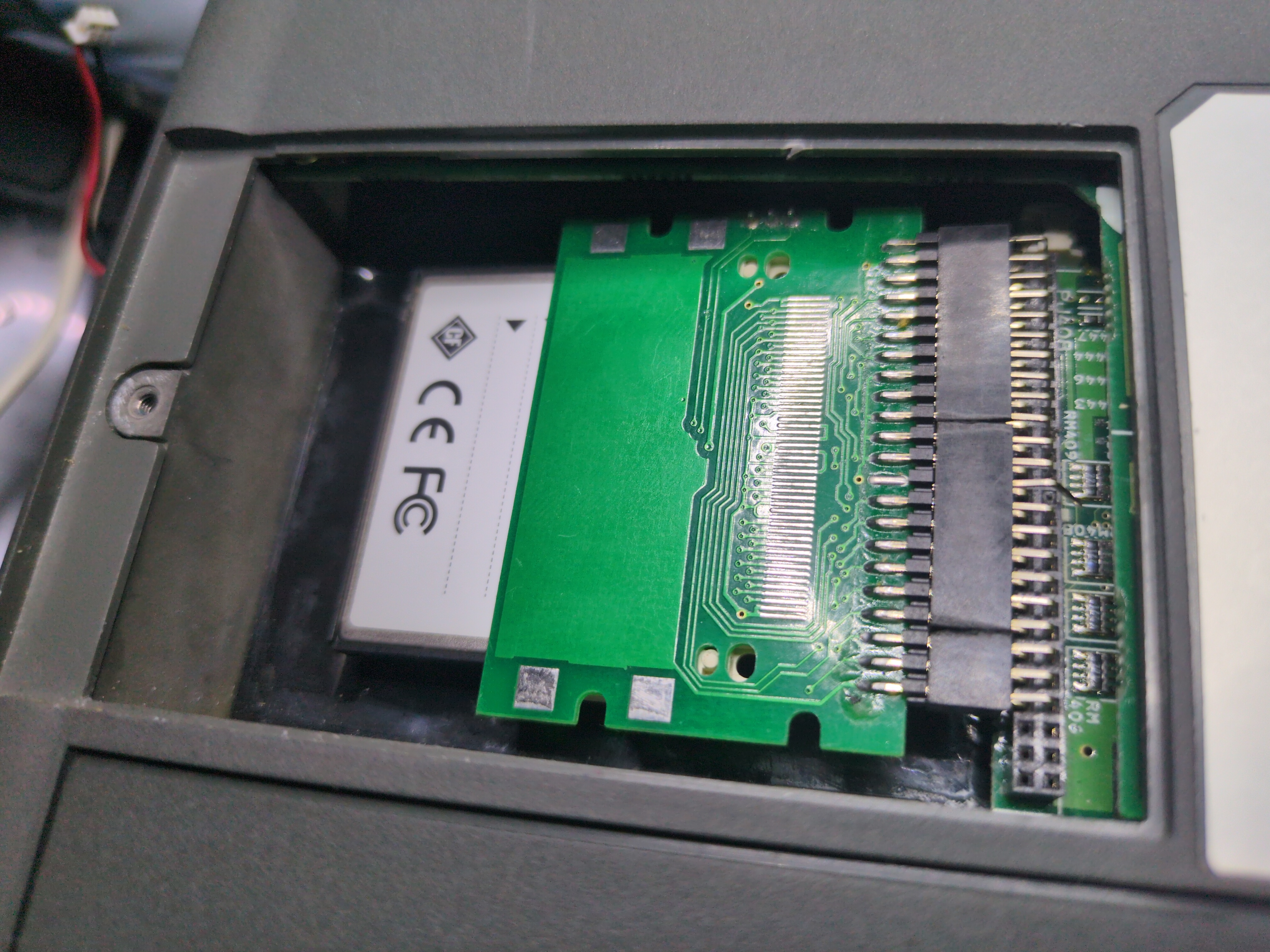
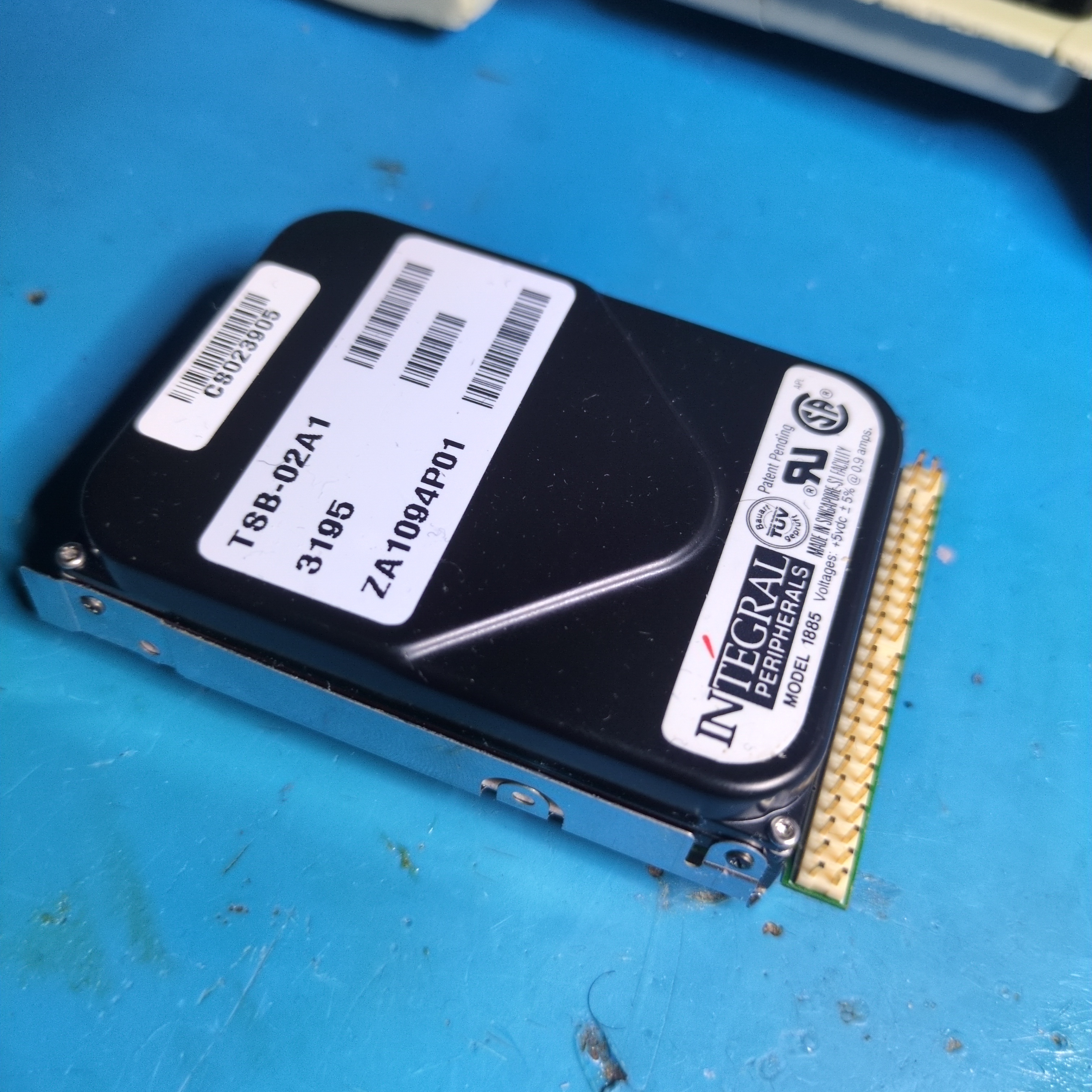
A somewhat stranger limitation is the physical configuration of the hard disk. The drive is smaller than a standard 2.5" disk and its connector is oriented in a direction orthogonal to the length of the drive, which is very unusual. This necessitated the use of 2.0mm-pitch dual-row angled male-female extensions to fit a standard Compact Flash reader inside of the chassis. A standard 2.5" hard drive seems to be out of the question due to the physical size constraint.
The display backlight may be turned on or off using the pen controls on the silkscreen bezel. It's a classic passive monochrome LCD similar to what you would see on an early PDA or calculator.
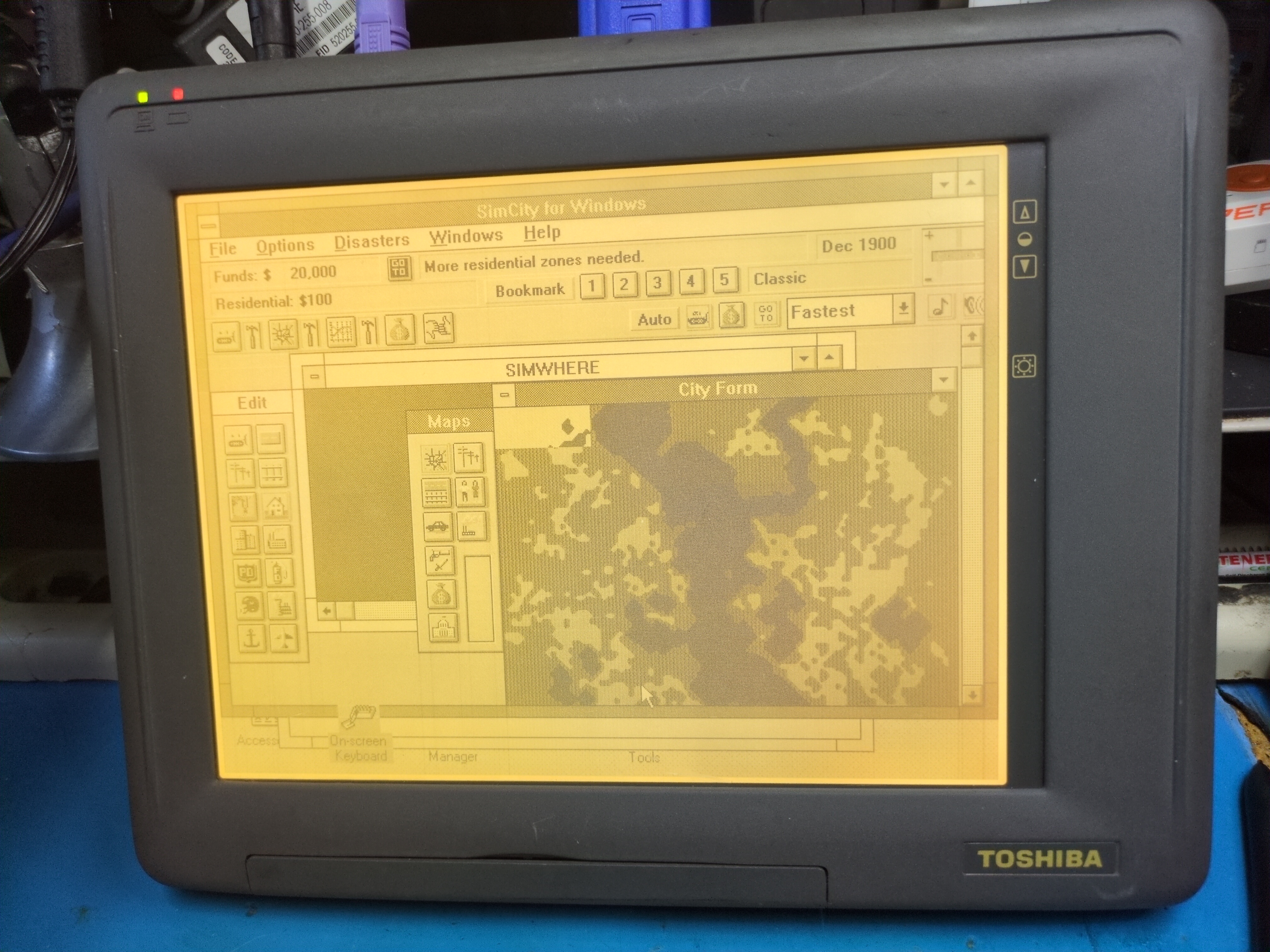
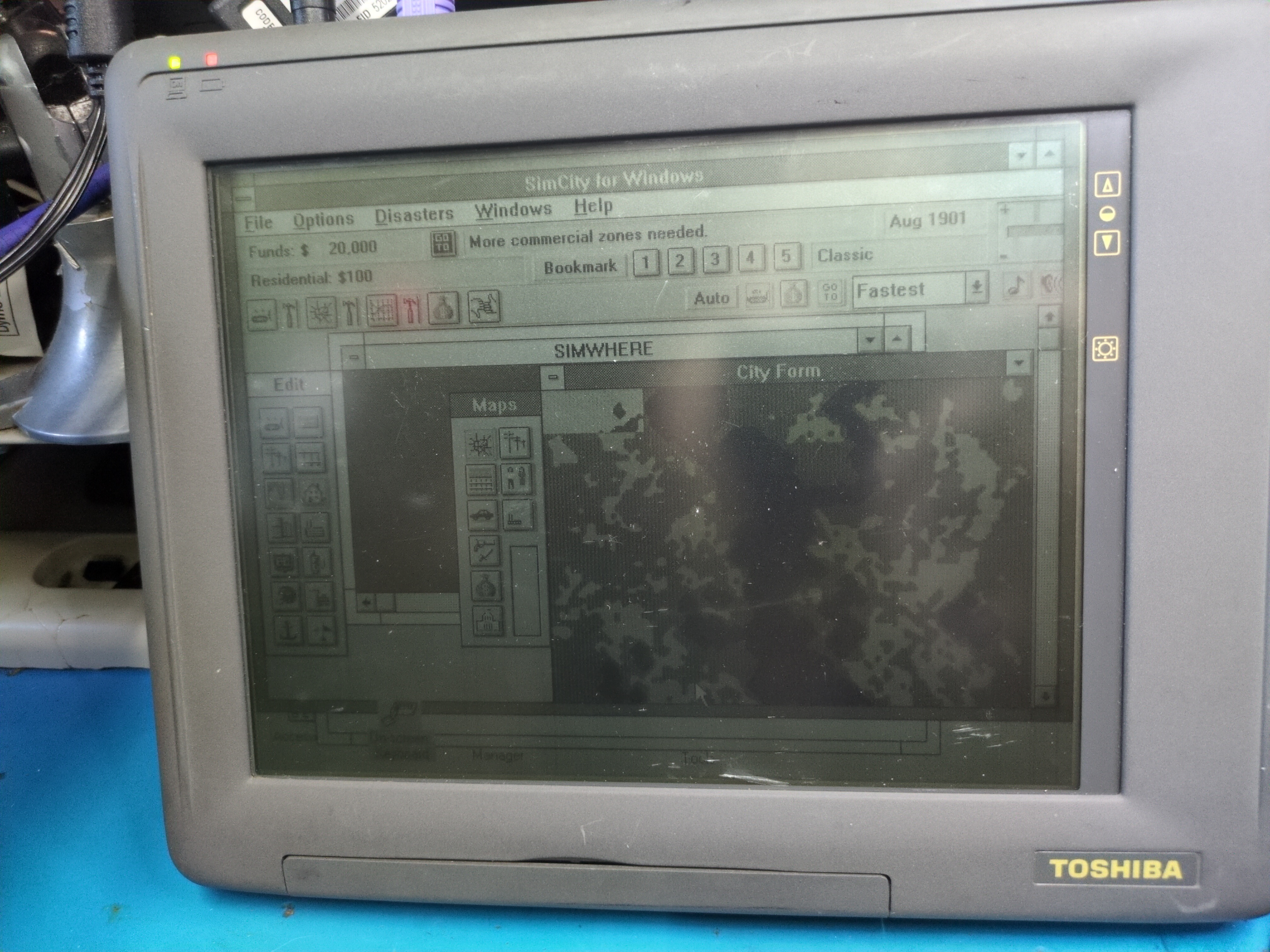
The display requires the use of a special pen. There is a fold-out compartment for the pen on the side of the unit. The pen also does not seem to need a battery. The BIOS may be configured with the pen, which is useful since there is no built-in keyboard.
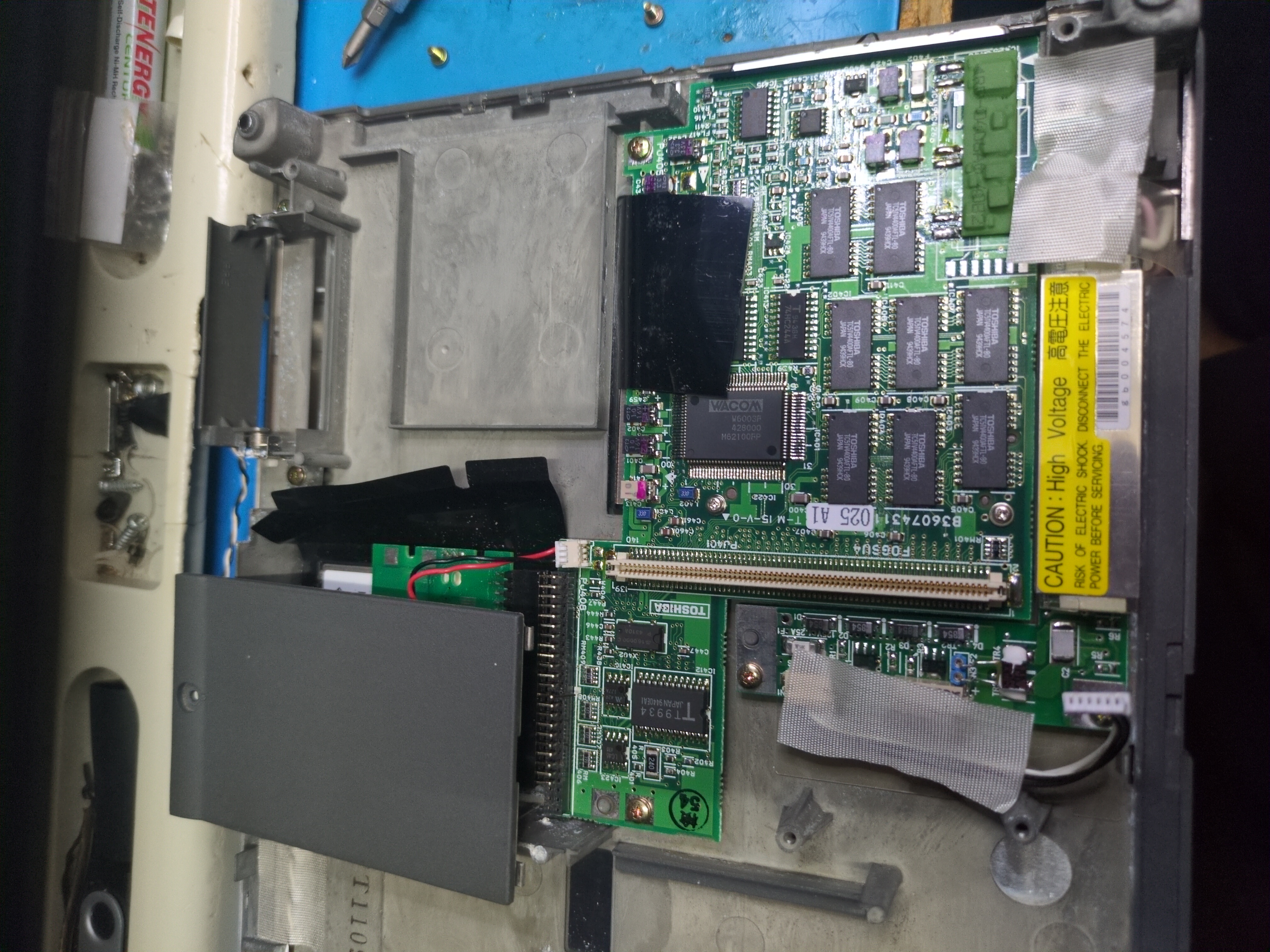
The tablet seems to be made by Wacom and, as there is no keyboard, is essential to controlling the device. There is a PS/2 port to attach an external keyboard, but this is unwieldy.
Driver support is iffy. Currently, the most reliable way seems to be to install MS-DOS and Windows 3.1 on the Compact Flash card in another PC and then overwrite the installations with the contents of this partial dump. This contains some spurious program groups and paths but these are simple to clean up.
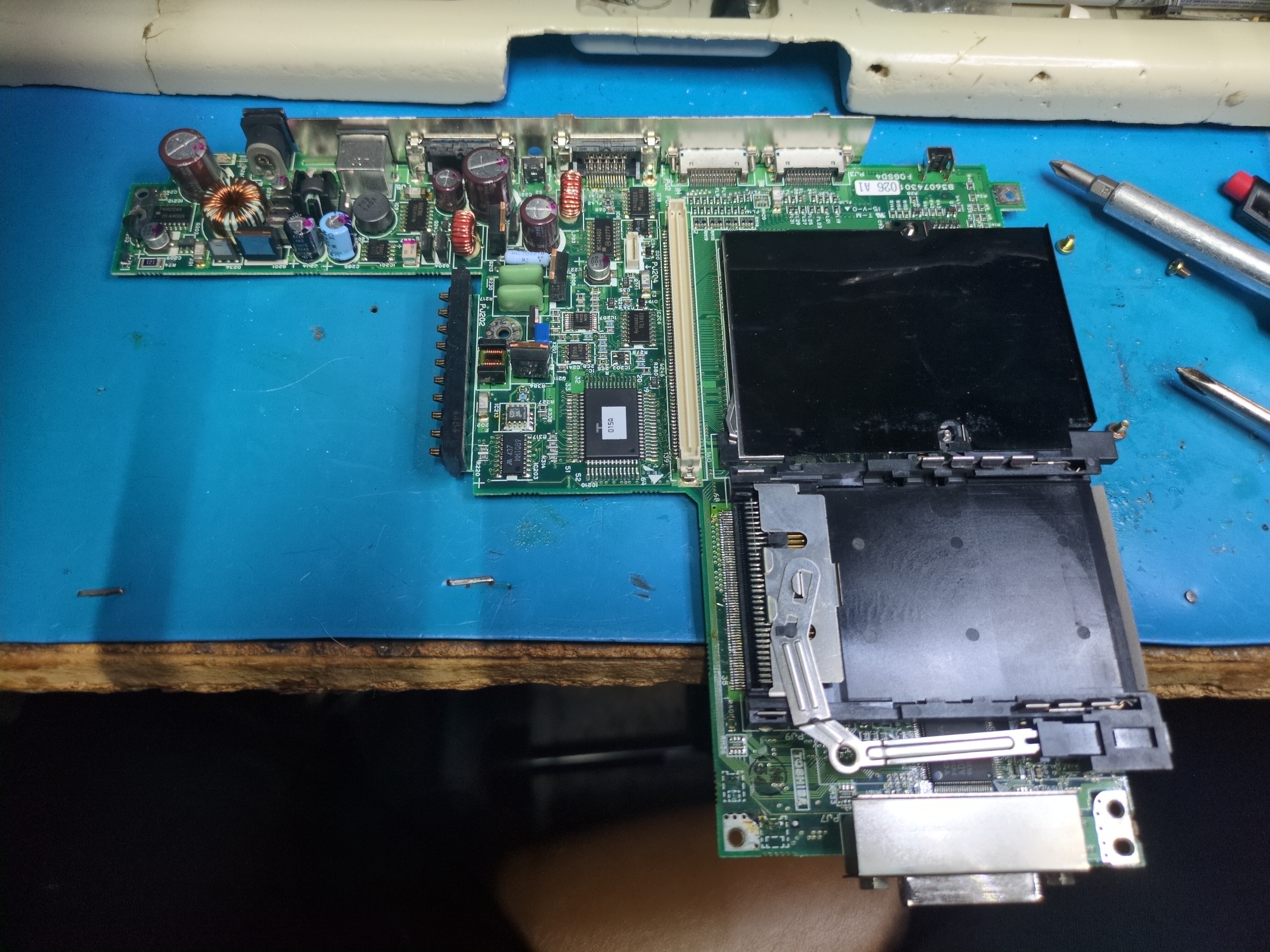
For completeness and reference, here are some images of the motherboard: