


The Packard Bell Legend Supreme series was a line of personal computers from the mid 1990s. This was an era when the greater public was starting to adopt desktop computers and OEMs tended to be a bit more adventurous with their out-of-the-box experiences.
This tutorial will explore the process of recreating an emulated Packard Bell Legend Supreme similar-but-different to e.g. the Packard Bell Legend Supreme 1810, more-or-less accurate to the half-remembered childhood memories of someone who lived through that era.
These are the settings used for this tutorial. They are not based firmly on anything more than "what seemed plausible for the time" combined with "what worked after trial and error," which is why this tutorial is for a "Legend Supreme" and not a specific model of that line. They should be able to be modified to taste unless noted otherwise.
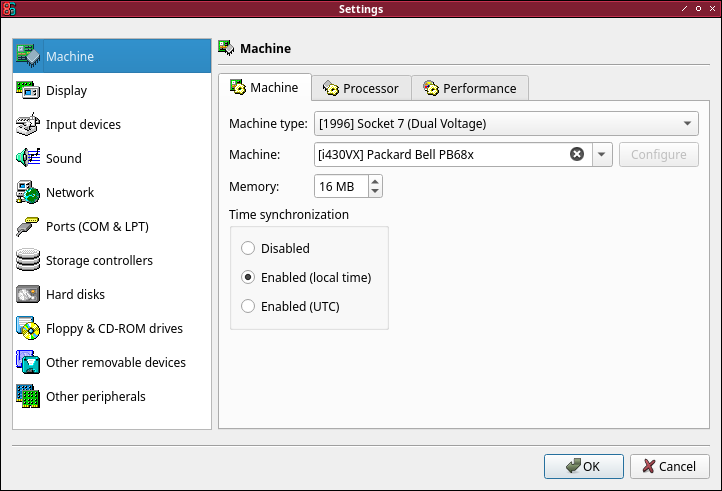
Select the "Socket 7 Dual Voltage" machine type with a "Packard Bell PB68x" machine. This is probably mandatory, as the CD does have checks for a Packard Bell system and systems that are too new do not work (a couple were tried and rejected!) The default processor should be a 166 MHz Pentium MMX for this, which is good. 16MB RAM should be accurate and usable, but feel free to add more.
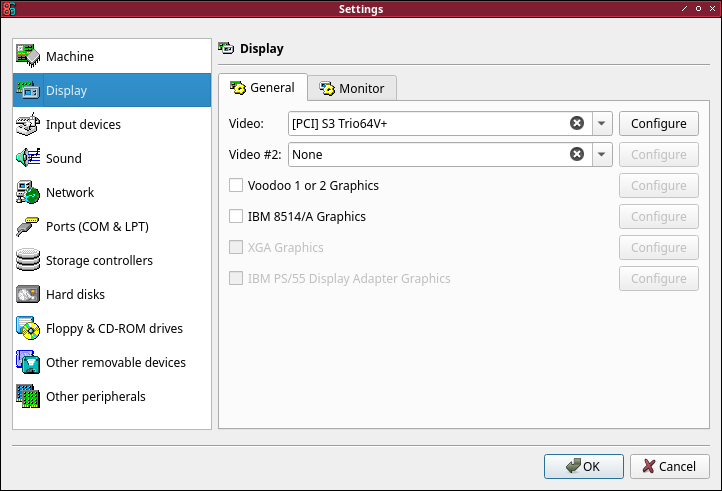
Select the "S3 Trio64V+" video card. The default options should be sufficient (Phoenix bios, 4MB RAM).
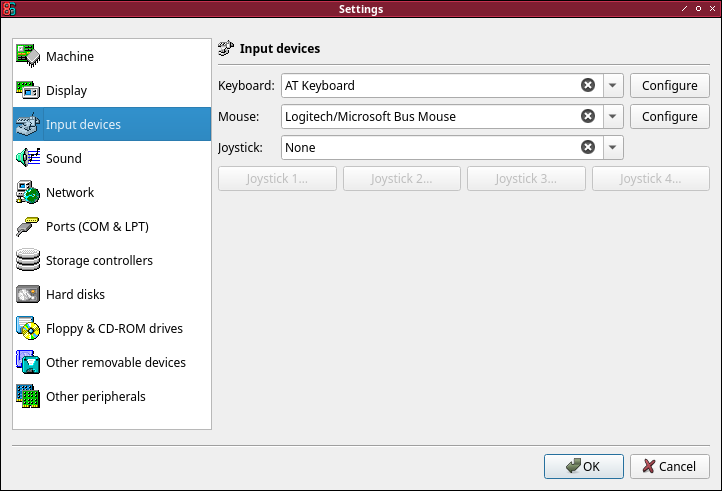
Select the "Logitech/Microsoft Bus Mouse" with the default "AT Keyboard". Unfortunately, the more conventional PS/2 and serial mouse options do not seem to work on the restored system.
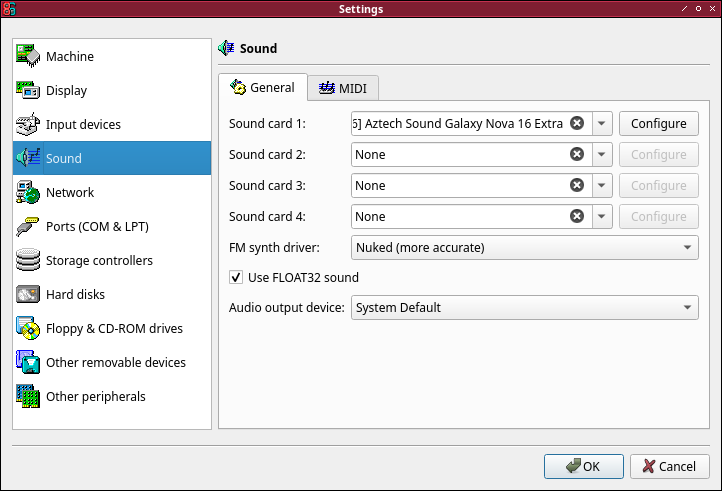
Select the "Aztech Sound Galaxy Nova 16 Extra" with the default options. This seemed to install using the drivers that came with the CD.
Create a new disk with plausible settings for the era. We used 8322 Cylinders, 16 Heads, 63 Sectors, but this can vary. Make sure the Bus is IDE and the Channel is 0:0, and use Quantum Fireball ST3.2AT as the model (though there may be some flexibility, here).
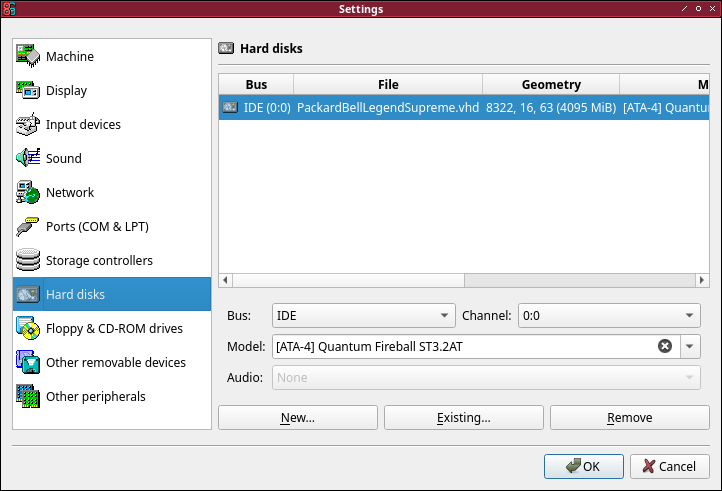
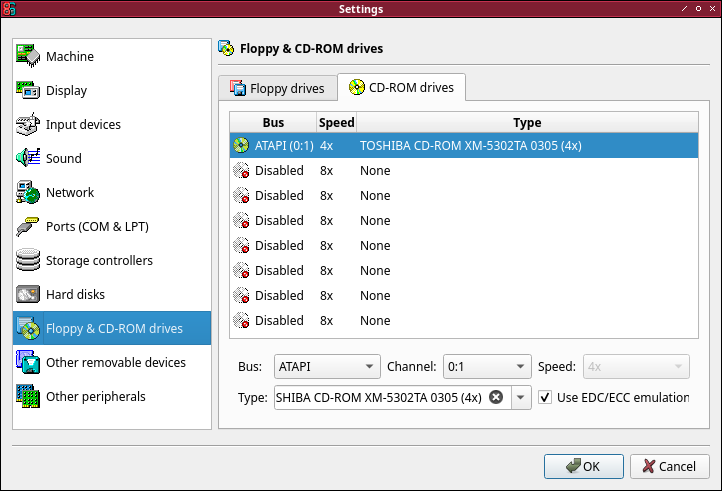
Make sure you have a single 3.5" 1.44MB floppy disk and select a "TOSHIBA CD-ROM XM-5302A 0305" for ATAPI 0:1. This is actually important. The restore disk will check the CD-ROM drive model and refuse to work if it is not one of the supported options!
Installing can be a little tricky. While this is not technically a VM in the traditional sense (as it is emulated, not hardware virtualized) we will be referring to our emulated machine as a VM for convenience. Once the is VM created:
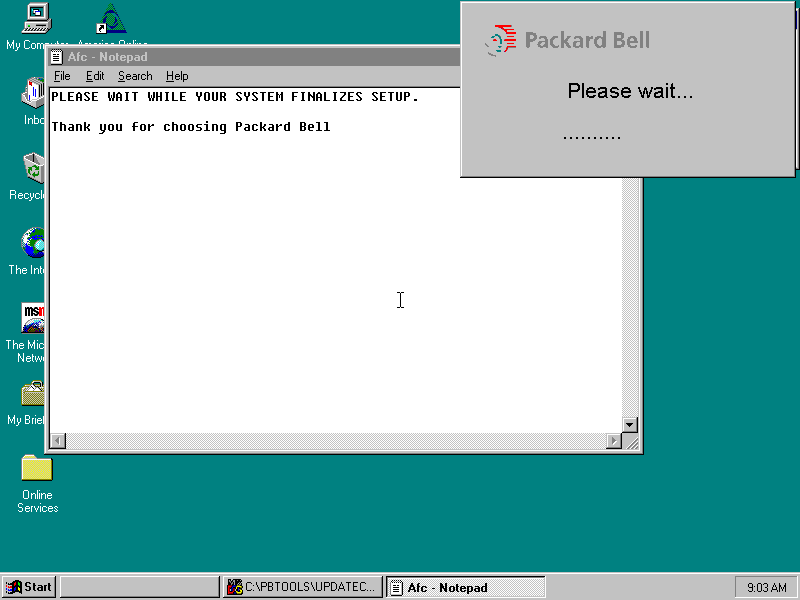
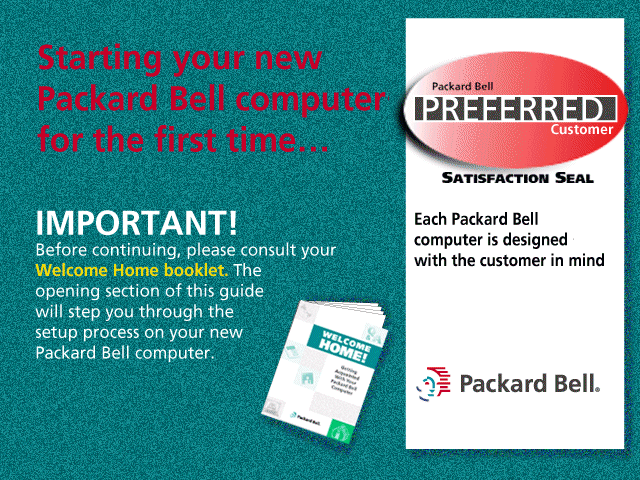 It seems like it's working on something, but there are no activity lights and it is actually waiting for Enter to be pressed to continue.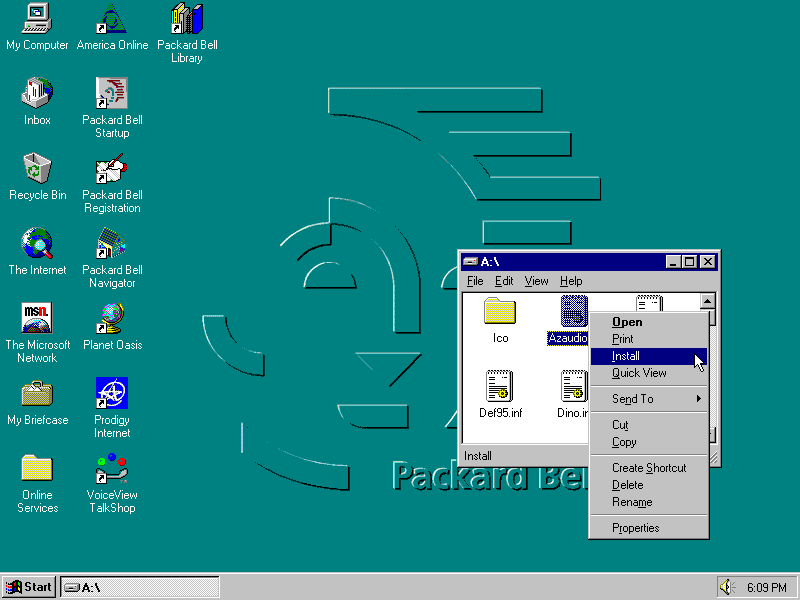
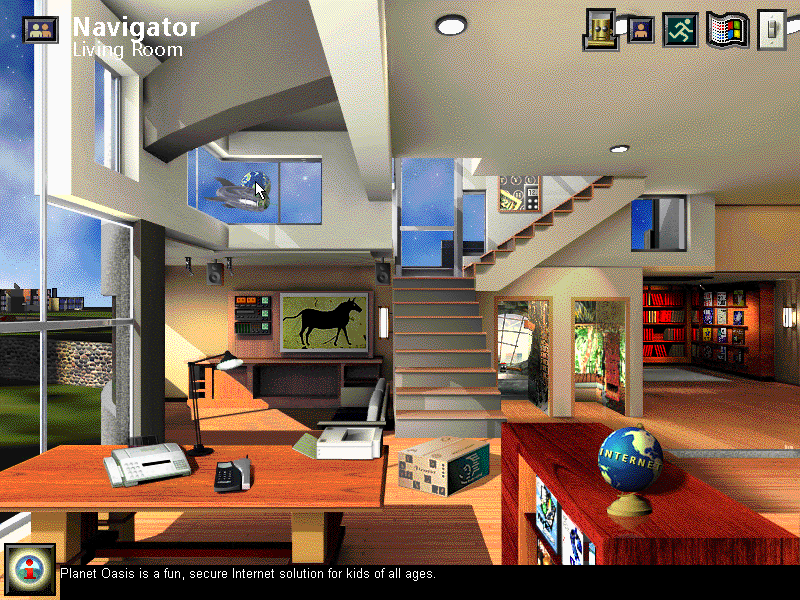
This was the main attraction, back in the day. Maybe not the height of skeuomorphism, but a cozy example of it if nothing else.
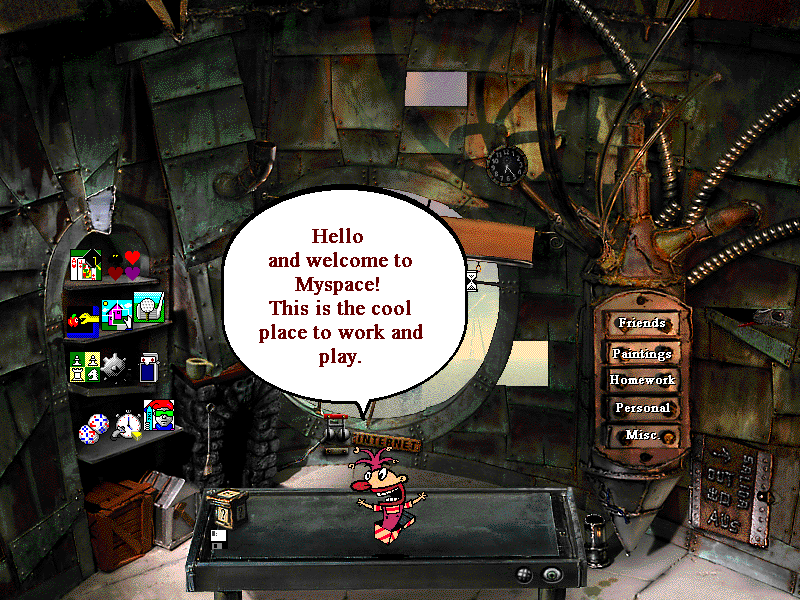
This is what the kids mean when they talk about MySpace. Everyone loved MySpace.
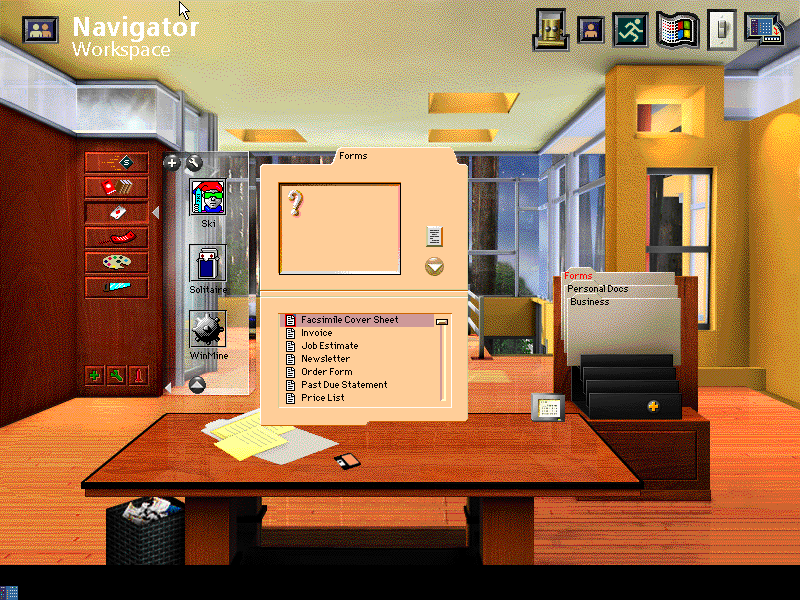
The perfect place to compose faxes and then unwind with some SkiFree.
If nothing else, hopefully this brief tour through a different era of computing can provide some immaculate vibes and maybe a lesson or two!